Overview
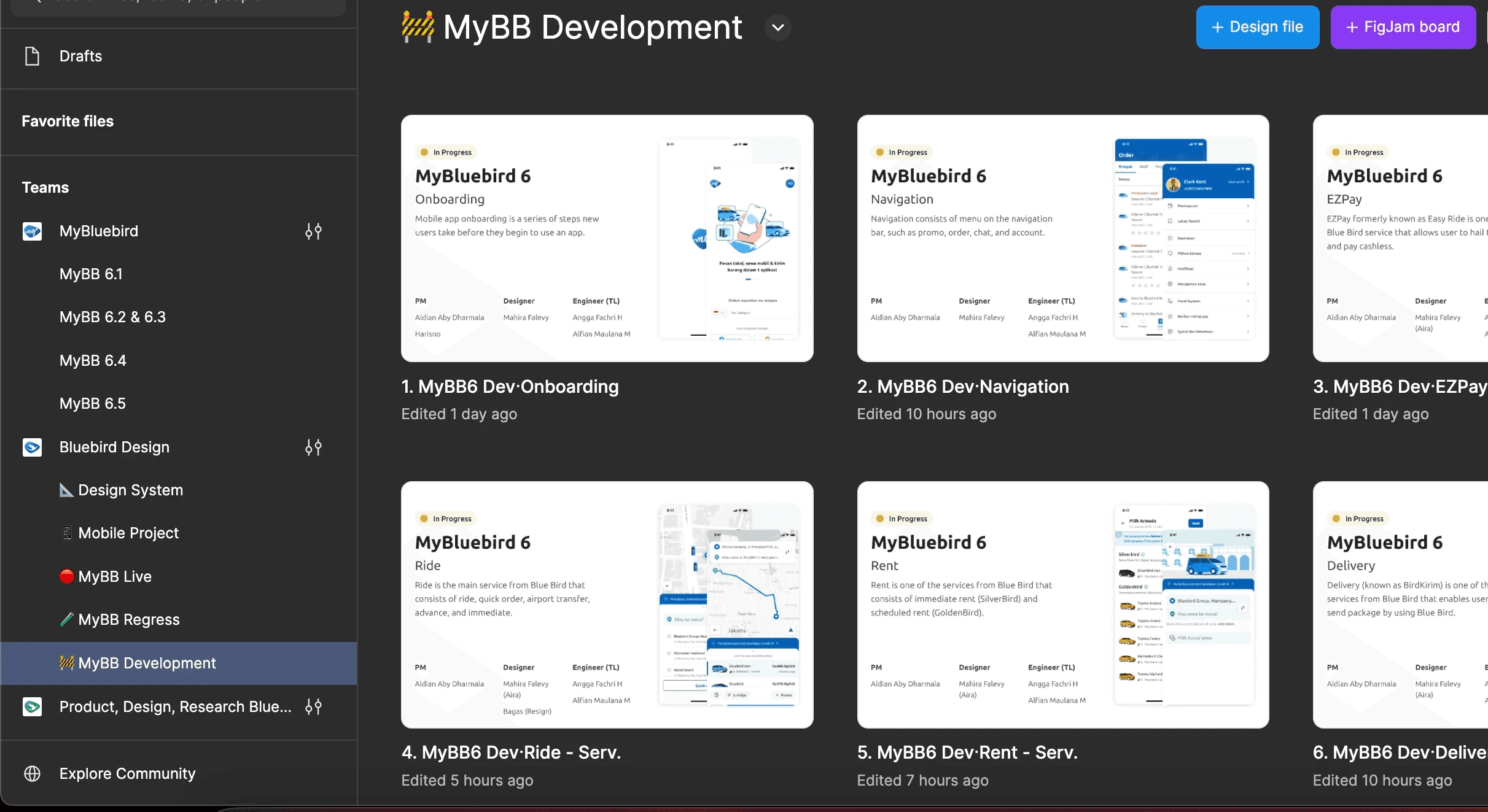
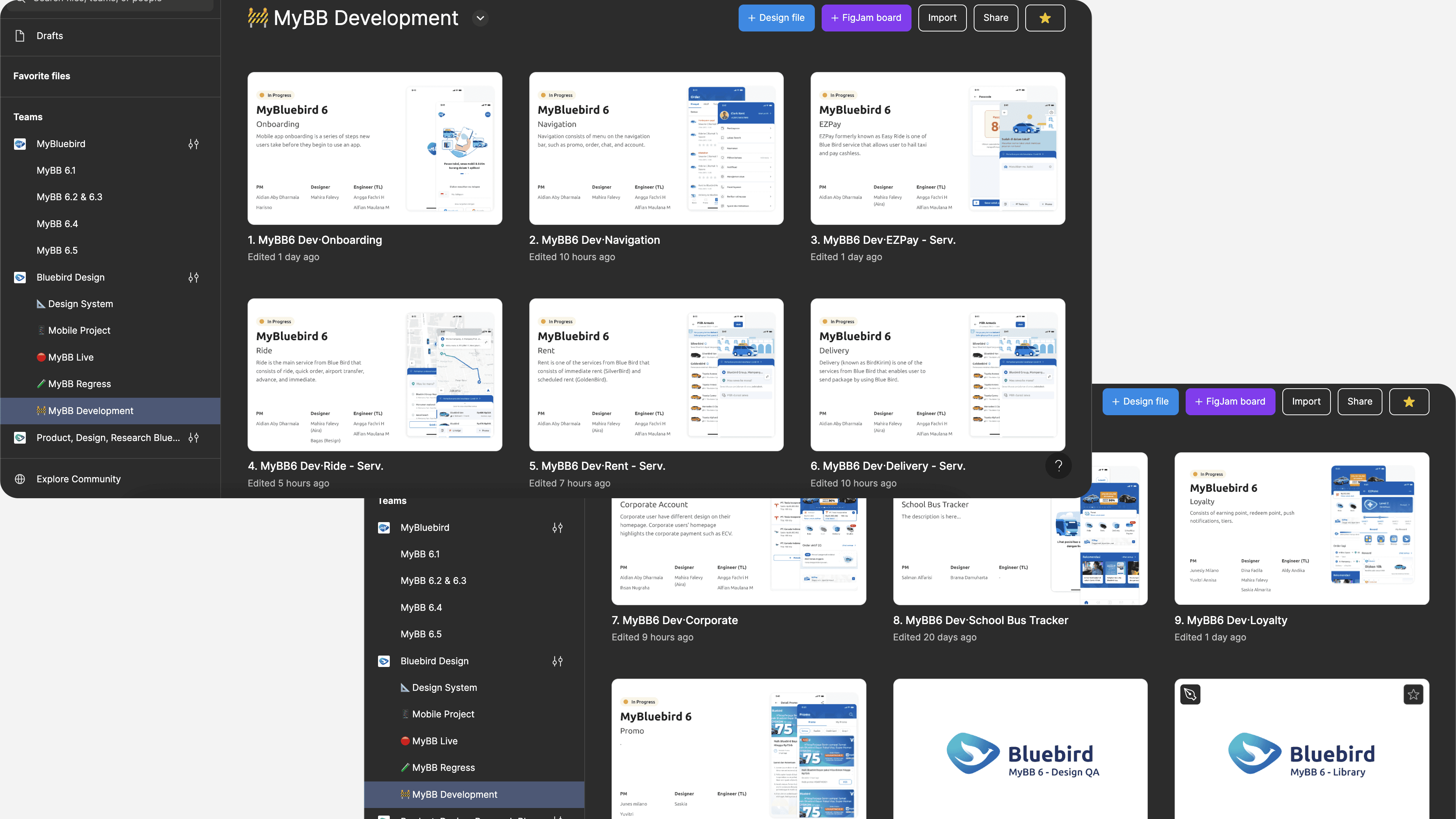
Ever since we released our new version of MyBluebird 6.0, we began to develop the next version. With the continuous development, the figma kept updating and it caused confusion between developers, quality assurance, and product manager. In this project, I enhanced the figma structure in order to reduce confusion which resulted in faster development and testing process.
Role
Product Designer
Timeline
March 2023
Scope
Problem definition, workflow design
Background
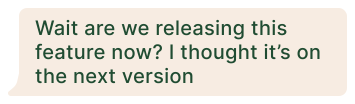
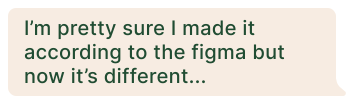
There has been some confusions ever since the developing of version 6.1. As a solo designer in the team and being in a different sprint with the developer team, I sometimes didn’t get the update on the release items. During my design process, I only use 1 Figma team. I kept replacing the old design with the new design because I wasn’t really involved in the development process. Turns out, the ‘replacing’ thing caused a lot of confusions.
The problem
I discussed this matter with the design lead, product manager, mobile tech lead, and QA lead. The main problems is that
The QA team are confused which version is live and which version isn’t, which makes the testing process longer
Initial solution
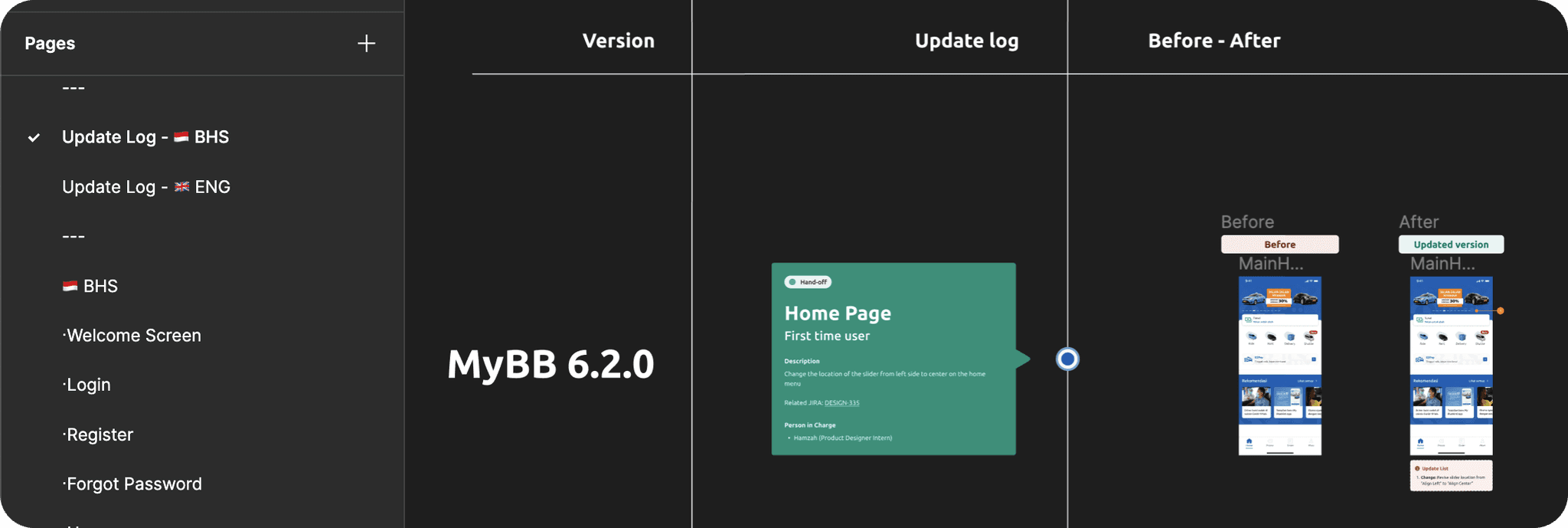
After defining the problem, we came up with an initial solution which is to create an update log in Figma, with the before-after design.
Note: this problem could’ve been solved with using Figma Branch, however it’s only available in the enterprise plan and my company isn’t using that because it cost too much. So I had to be creative.
Initial Feedback
After we used the update log for some time, the problem still happened because it’s hard for the QA team to juggle between the flow and the update log. Knowing this, I decided to brainstorm with other designers. However, other designers don’t have this kind of problem in their team because their product isn’t a customer facing product and the development process is mostly fast so designers mostly design for the feature that is going directly on the next sprint.
Iteration
Based on the feedback from the initial solution, I iterated the current solution to create a new one.
As we don’t have the Figma Branch feature, I decided to make the Figma Branch feature manually.
The first thing I did was made a list of the current Figma situation.
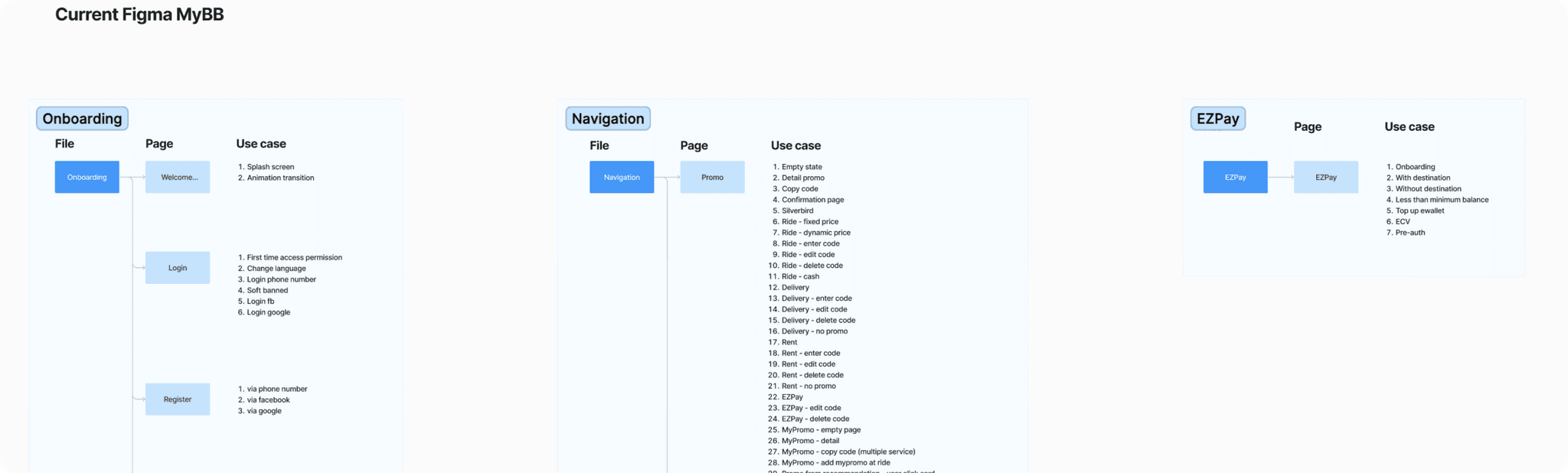
I did desk research to find out how other designers mostly organized their Figma files. Then I came up with different options for the new Figma Structure.
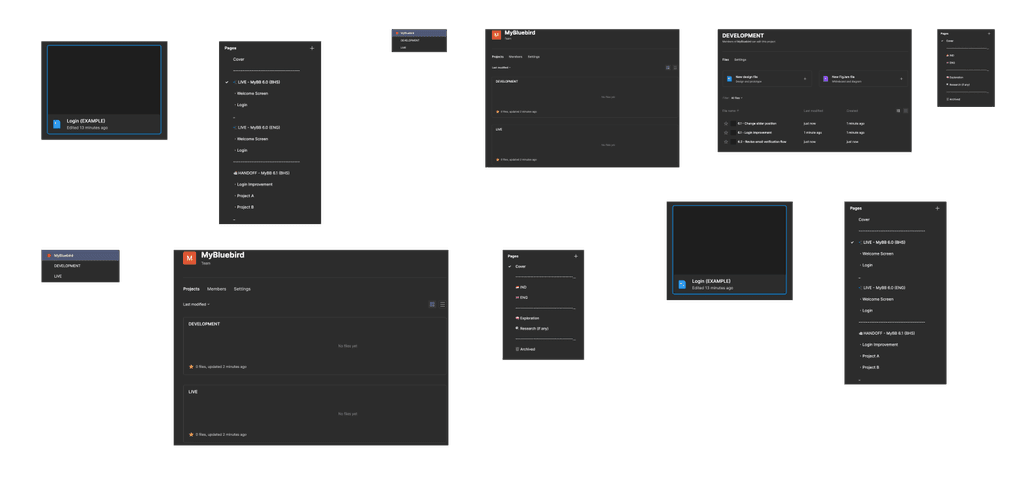
The new Figma structure is divided into each state aligned with the development stage, which are: Development, Regression testing, and Live version. I also kept the archive the previous Live version for documentation purposes.
As a result, this Figma structure became the standard for other designers in their squad. This also received positive feedbacks mostly from the QA and the engineering team. The new Figma structure helped fasten the development process.